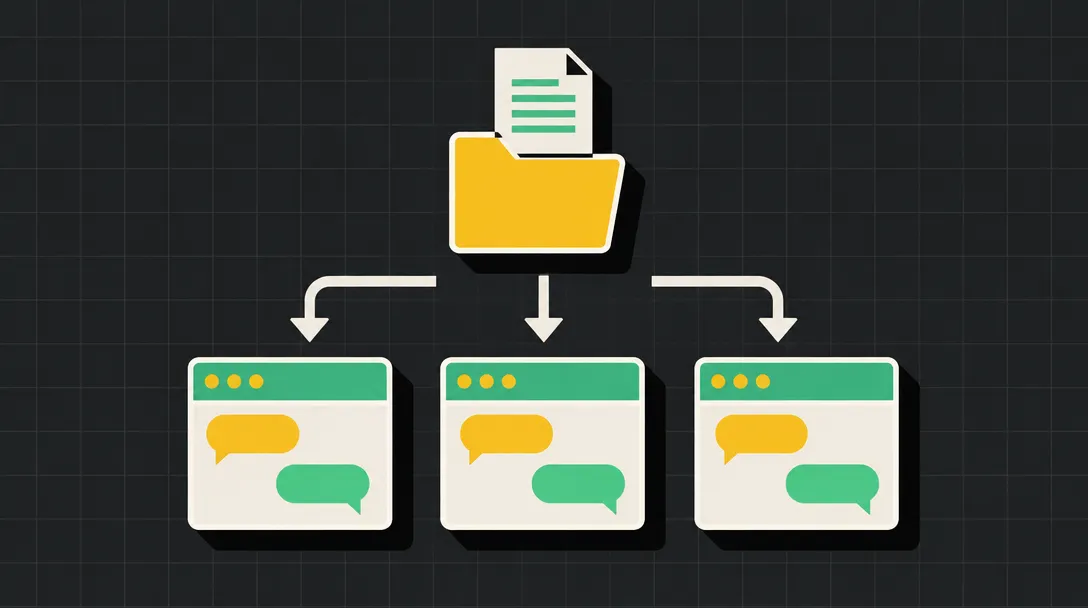
How to check if AI answers mention your brand
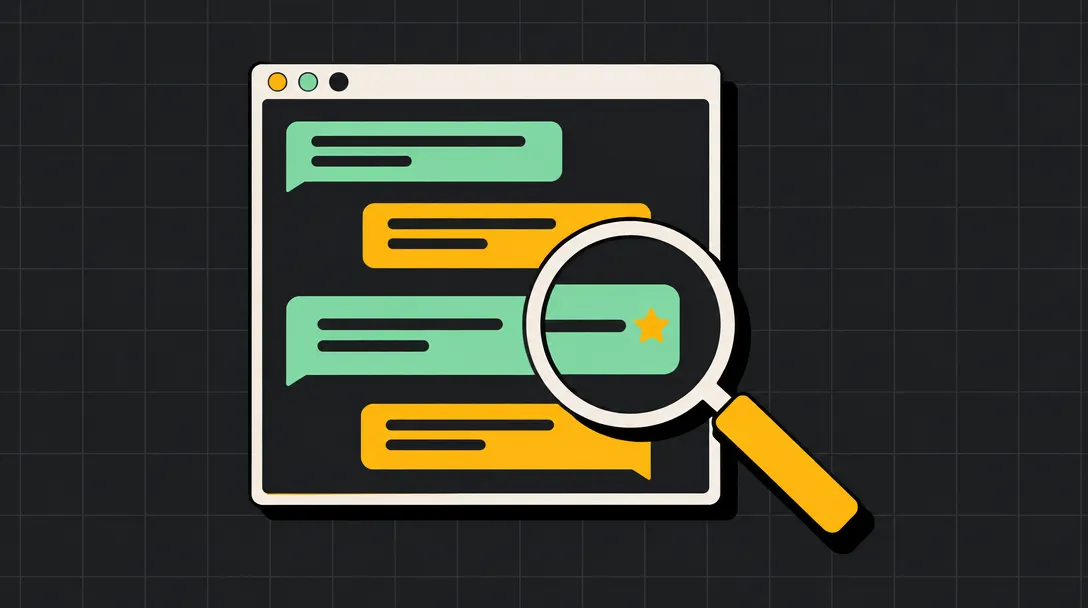
To check if AI answers mention your brand, write 15 to 30 questions your buyers ask, run each one in a fresh chat in ChatGPT, Gemini, Perplexity, Claude and Google’s AI features, and log every answer in one table. Record whether your brand is mentioned, whether the facts are right, which sources are cited and which competitors appear. Repeat the same set every month and turn the gaps into page fixes.
The method is free and takes a morning for the first run. It gives you a sample of answers. AI answers change between runs, accounts, locations and model versions, so nobody can see a fixed “ranking” inside them. What you can see is a pattern across many runs, and that is enough to decide what to fix first.
The steps below use a hypothetical example: say you sell project management software for small architecture practices.
What do you need before you start?
- A list of buyer questions (step 1 covers this).
- A short fact sheet: pricing model, main features, markets served and anything you do not offer. You judge accuracy against it.
- The names of three to six competitors.
- Access to the assistants you care about. Free accounts are fine for a first pass.
- A spreadsheet with the columns from step 3.
Step 1: Which questions should you test?
Test the questions a buyer would type or say, in their words. Group them by stage so you can see where you appear and where you drop out:
- Problem: “How do small architecture firms track project hours?”
- Category: “What is the best project management software for architects?”
- Comparison: “[Your brand] vs [competitor]”
- Alternatives: “Alternatives to [competitor]”
- Brand facts: “How much does [your brand] cost?” or “Does [your brand] integrate with accounting software?”
Give each question an ID (Q1, Q2 and so on) and a priority. Keep the wording fixed once you start. If you change a question between rounds, its results no longer compare.
Step 2: How do you run each check fairly?
Keep the conditions the same every time, so any differences come from the assistant.
- Start a fresh chat for every question.
- Turn off memory and custom instructions where the assistant allows it, or use a logged-out session. OpenAI’s ChatGPT search help page says saved memories can shape how it rewrites a search, and that it may use an approximate location from your IP address.
- Note whether web search was on. Claude, for example, cites its sources when it searches the web, and answers without search have no live sources to cite.
- Record the date, the assistant, the model or mode name the app shows, and the country you ran it from.
- Run high-priority questions two or three times, ideally on different days.
For Google, check AI Overviews and AI Mode separately where they are available in your country and language. Google’s page on AI features and your website says the two use different models and techniques, so the responses and links they show will vary. AI Overviews also appear only for some searches.
Repeat runs matter for the same reason they matter when you test an agent skill before client work: one answer can be a fluke, and a pattern across runs is something you can act on.
Step 3: What should you record for each answer?
Use one row per question, assistant and run. This table is your AI visibility audit, and it stays the same every round.
| Column | What to write |
|---|---|
| ID | Q1, Q2 and so on |
| Assistant and mode | For example, Perplexity or Google AI Mode |
| Run and date | Run 1, 2026-11-29 |
| Mentioned | Yes or no |
| Position | First, among others or last |
| Accurate | Yes, partly or no, with the wrong fact named |
| Your URL cited | Yes or no, plus the URL |
| Other sources cited | Review sites, directories, forums, competitor pages |
| Competitors named | Every competitor in the answer |
Copy the full answer into a second tab as well. You will want the exact wording when you check facts later, and Gemini’s sources and double-check features make it easier to see where a claim came from.
When you summarise, always show the sample size: “mentioned in 4 of 12 runs” says much more than “33%”. If an assistant has fewer than about ten runs, call the result directional.
Step 4: How do you read the results?
Most results fall into one of four patterns, and each points to a different fix.
- Not mentioned anywhere. Competitors appear and you do not. Check whether you have a page that answers the question directly, and whether the cited sources list you at all.
- Mentioned, but described wrongly. Old pricing, a feature you dropped, the wrong market. Look at the cited source. It is often an old page of yours or an outdated third-party listing.
- Mentioned only through third-party pages. The assistant knows you from a review site or a directory, and never cites your own domain. Your pages may be hard to quote, or blocked to the assistant’s crawler.
- Mentioned and cited. Note which of your pages get cited and what they have in common. That tells you what to copy across the site.
The primary check here is simple: does the AI answer mention your brand for the questions that lead to a sale? Start with the high-priority questions where competitors appear and you do not.
Step 5: How do you turn gaps into content actions?
Tie each action to the question IDs it targets, so the next round shows whether it worked.
- Answer the question near the top of a page. If a page takes four paragraphs to reach the answer, it is hard to quote. The answer-first page rewriter restructures a page this way without changing its facts.
- Publish a clear facts page. Pricing model, features, coverage and what you do not do, in plain sentences. This is the page that fixes wrong descriptions.
- Add comparison and alternatives pages for the comparison questions where competitors win. The competitor page teardown helps you study the competitor pages that do get cited.
- Add a short FAQ section where a page answers common questions, with markup that matches the visible text. The FAQ schema generator writes it. Google limits FAQ rich results to well-known government and health sites, as its FAQ structured data documentation explains, so the value for most sites is clarity.
- Check crawler access in robots.txt. OpenAI’s crawler documentation says sites that opt out of its search crawler,
OAI-SearchBot, will not be shown in ChatGPT search answers. Perplexity documents PerplexityBot as the crawler that surfaces and links sites in its results. For Google, robots.txt rules for Googlebot are the control, and Google says there are no extra requirements to appear in its AI features. - Fix third-party listings that assistants cite with old facts.
- Consider an llms.txt file as an optional extra. The llms.txt proposal has no confirmed use by the major AI search tools, and the llms.txt file builder says so plainly in its output.
What can’t you control?
You cannot make an assistant mention you. You can improve the pages and sources it draws on, and that is all. Third-party coverage, model updates, personal settings and regional differences all change answers in ways you cannot see. Be wary of any service that promises a guaranteed placement in AI answers.
How often should you rerun the check?
Monthly suits most brands. Also rerun the affected questions a few weeks after you publish or fix a page aimed at a gap. Keep the same question set and run rules so the rounds compare, and add new questions as a separate group instead of swapping old ones out.
In Google’s case, you can also watch traffic: Google says clicks from AI features are included in the Search Console Performance report under the Web search type, mixed in with normal search traffic.
What goes wrong, and how do you fix it?
- The assistant confuses you with another company of the same name. Add a qualifier in your questions (“[brand] project software”) and make your name, category and location consistent across your site and listings.
- It cites an old page. Update or redirect that page, then check again in the next round.
- Results swing a lot between runs. Add runs before you draw a conclusion, and report the range.
Can an agent run the check for you?
Partly. Most agents can only answer inside their own chat, so you usually run the questions and paste the answers back. The AI answer visibility check skill builds the question set, gives you a run sheet, logs every pasted answer, works out mention and citation rates with their sample sizes, and turns gaps into an action plan. If skills are new to you, start with our plain guide to what an AI agent skill is.
For the other skills that help with AI search, browse the AEO and GEO category.
Questions readers ask
Do I need special markup to appear in Google AI Overviews?
No. Google says there are no additional requirements to appear in AI Overviews or AI Mode beyond being indexed and eligible to show in Search with a snippet. Normal SEO basics apply, and any structured data you add should match the visible text on the page.
Does an llms.txt file help my brand show up in AI answers?
Nobody can promise that it does. llms.txt is a community proposal, and at the time of writing the major AI search providers have not confirmed that they rely on it. It is cheap to publish, so treat it as an optional extra and put most of your effort into clear pages.
Should I block AI crawlers from my site?
Only if you have decided you do not want to appear in those tools. OpenAI says sites that opt out of its search crawler will not be shown in ChatGPT search answers, and Perplexity uses PerplexityBot to surface and link sites in its results. Blocking a training crawler such as GPTBot is a separate choice from blocking a search crawler.
Can any tool show my exact ranking inside AI answers?
No tool can see a fixed ranking inside AI answers with certainty, because answers change by run, account, location and model. Paid trackers run large samples of questions for you, which can show trends. Read their numbers as samples too, and check how many runs sit behind each figure.